

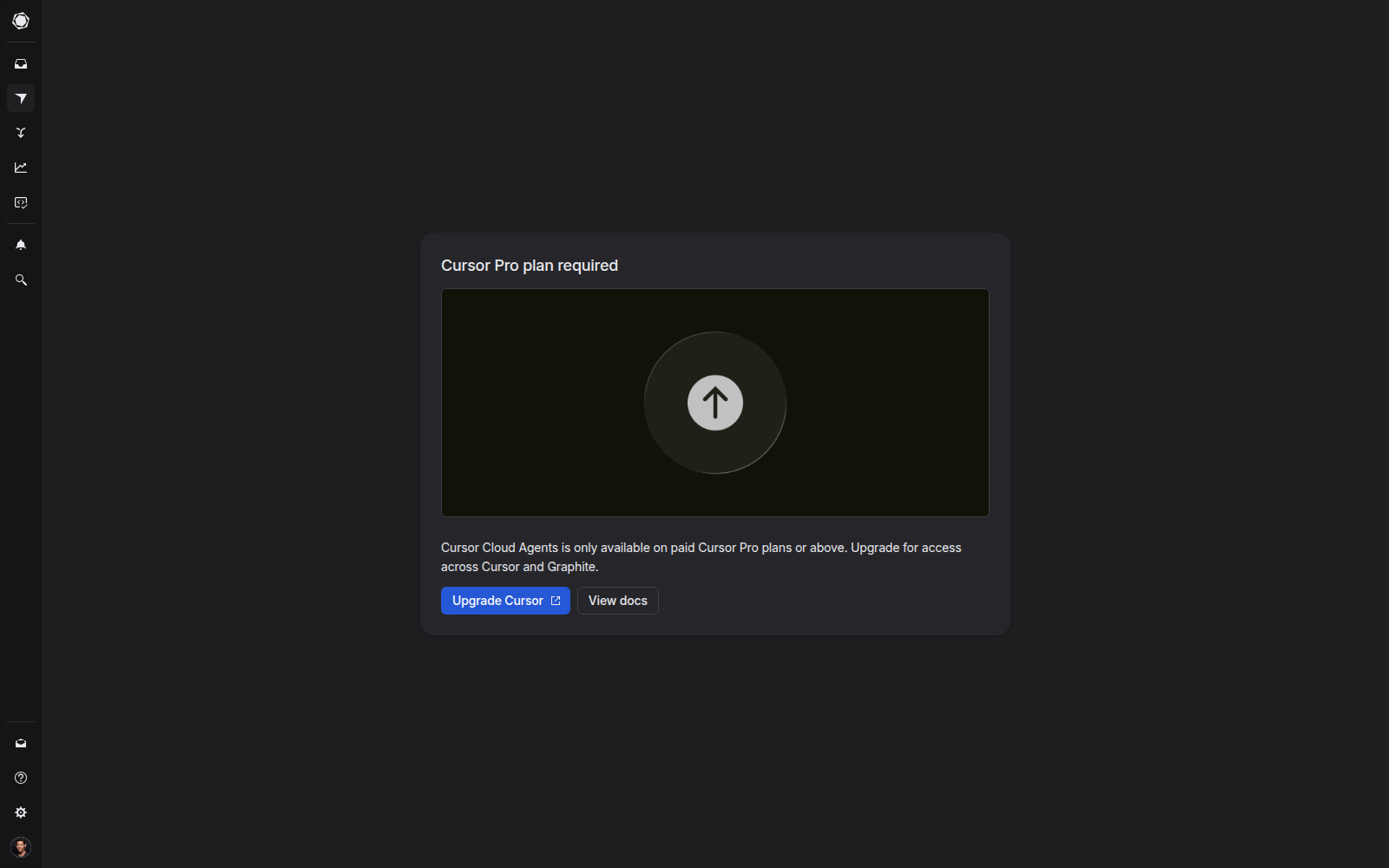
Agents requires a signed-in Cursor account with a paid Cursor plan (Pro and above).
Set up access
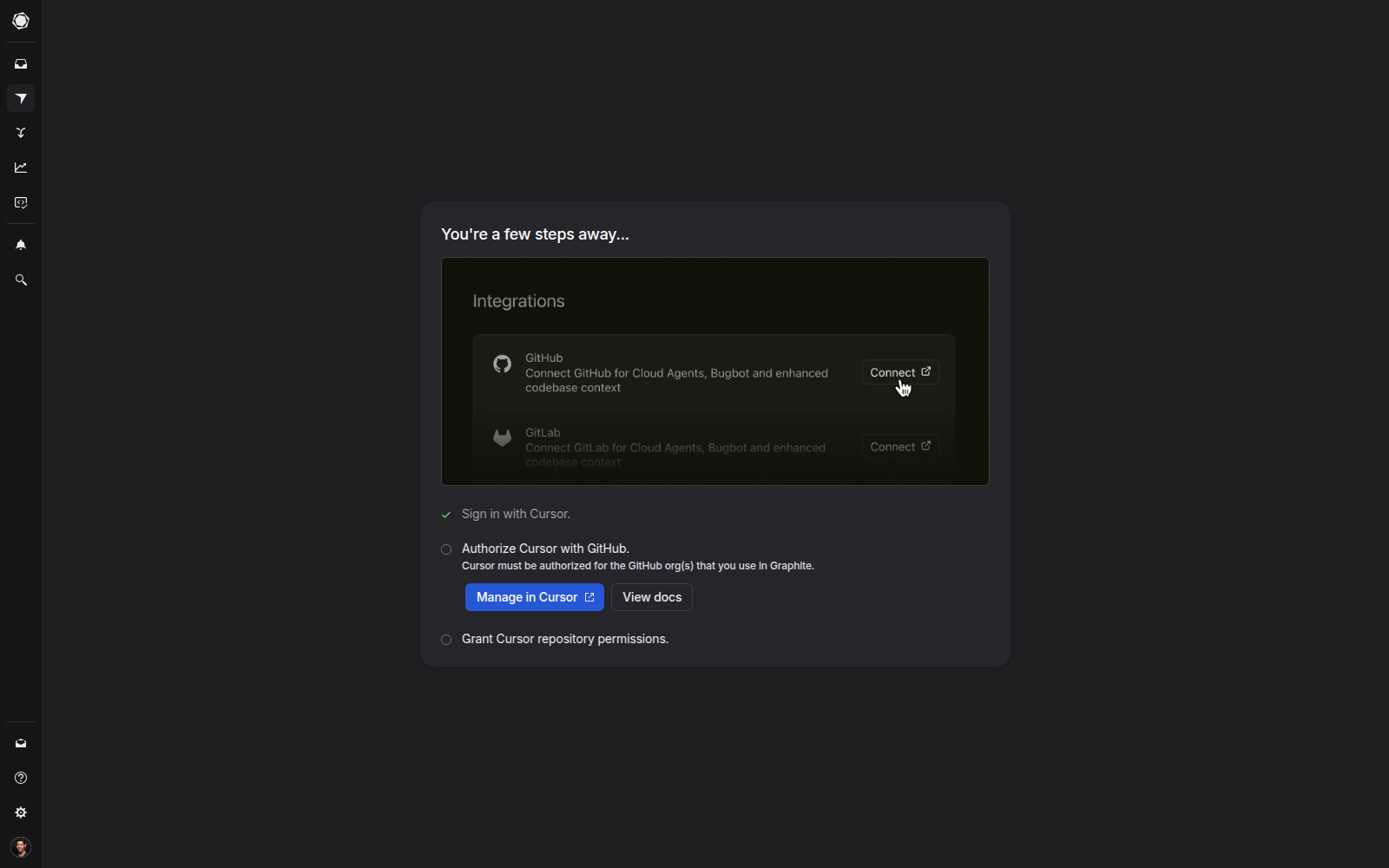
Before creating your first task, make sure your workspace is fully connected:- Sign in with your Cursor account.
- Authorize Cursor with the GitHub organization(s) you use in Graphite.
- Grant Cursor access to the repository where you’ll run Agents.
Create a pull request
Open the Agents icon in the left sidebar, then click New task. In the composer, select the repository and default branch, describe the change you want to make, then choose a model. Cursor Cloud Agents will generate the code changes and open a draft PR for review.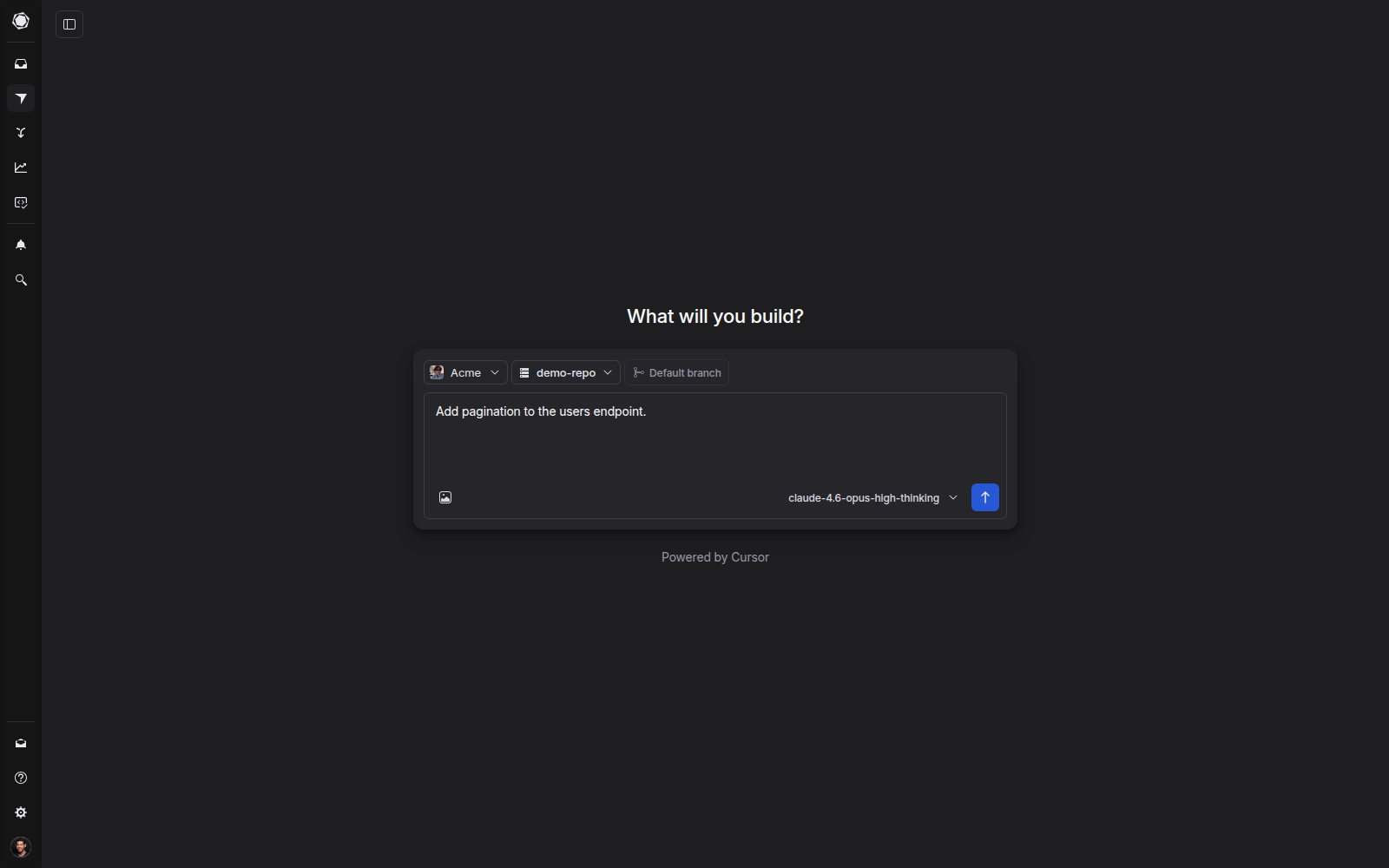
- “Add pagination to the users endpoint.”
- “Refactor this component to use hooks.”
- “Add tests for the new API routes.”
Make PR updates
Make direct code changes right from your PR page. Click Agent on the right side of the PR to get started. Any changes made by the agent are committed directly to the branch and appear in the PR like any other commit.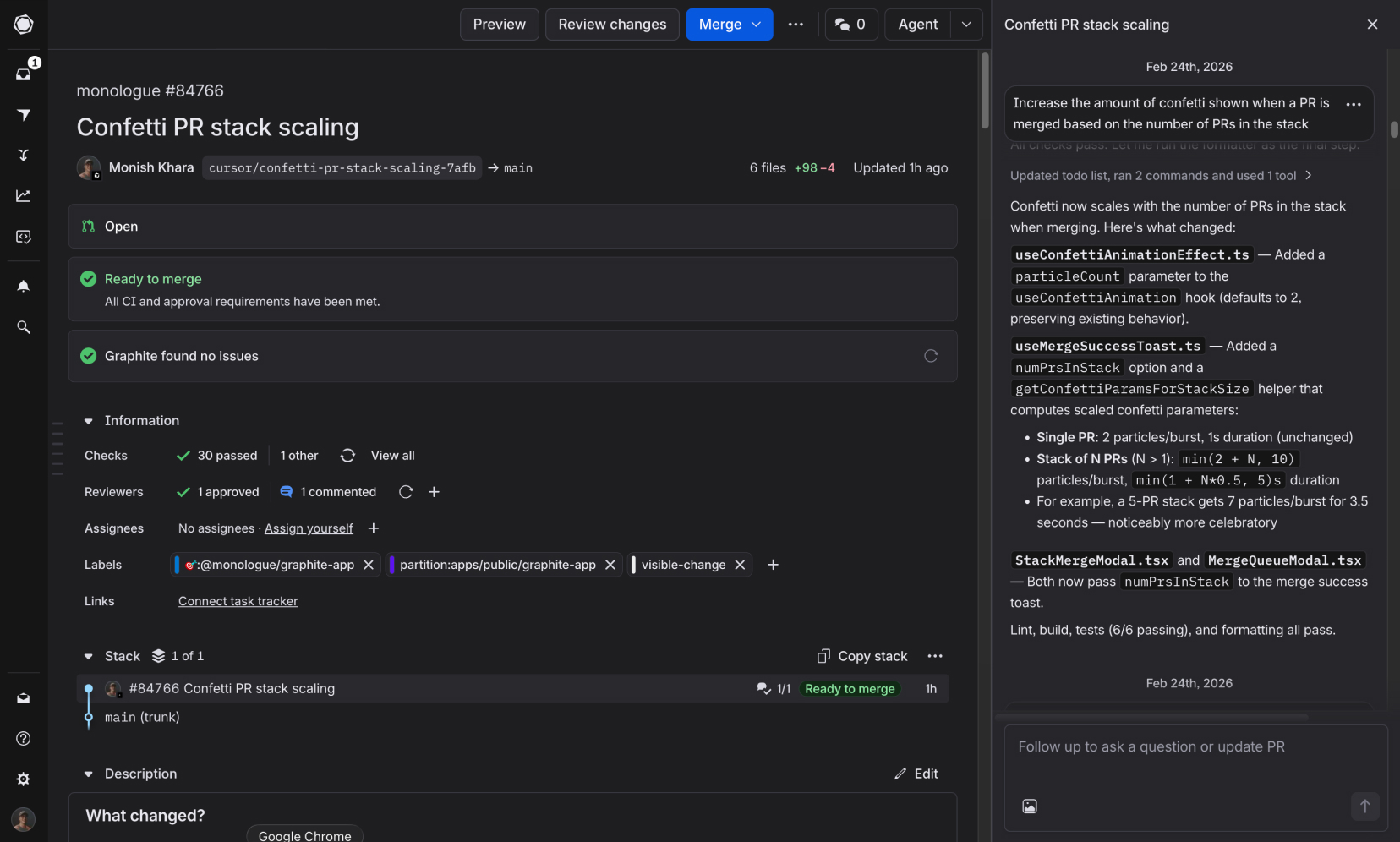
- “Fix failing CI check”
- “Address reviewer feedback on the error handling”
- “Add input validation to the form fields”
Agents is available only to PR authors. If you’re reviewing a PR, use Graphite Chat for instant repo-wide context and suggested changes.