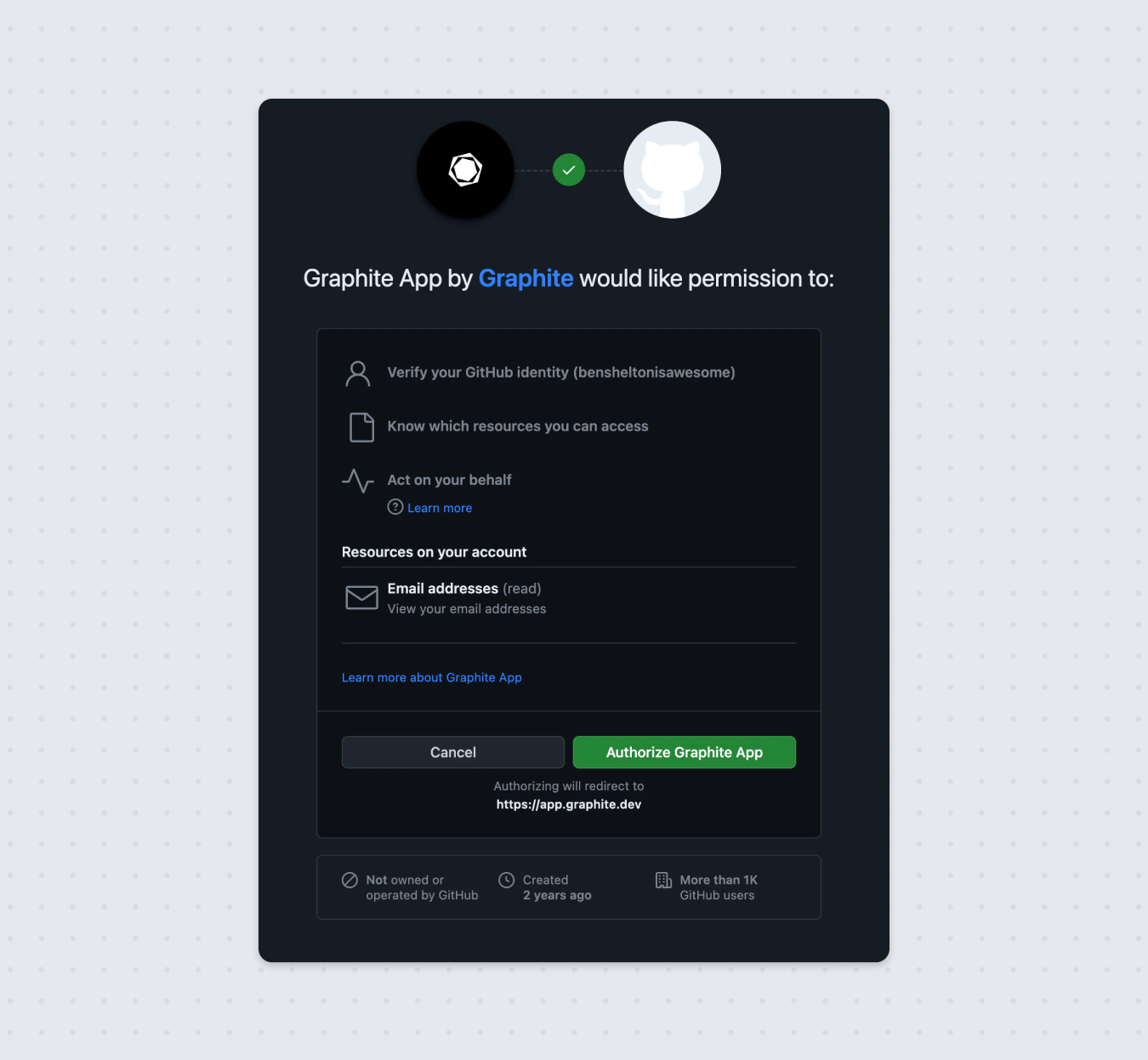
Having issues selecting a repository owner?
If you don’t see your desired owner in the list of owners in the Graphite onboarding flow and know that the Graphite GitHub App isn’t installed on the owning account, you should follow the instructions underneath the list of owners starting withDon't see what you're looking for above?. If you know that the Graphite GitHub App is installed on your organization, you should click the Authenticate Graphite App button.
If you’re a collaborator on a personal repository that you’d like to use with Graphite, you must install the Graphite GitHub App on your personal account.
If you’re still unable to select your desired repository owner, contact us at support@graphite.com.
Don’t see the repository you’re looking for?
You can choose which repositories within your organization you want the Graphite GitHub App to have access to. If you don’t see a certain repo in the repository selector in the Graphite Web App, it’s likely that you haven’t granted the Graphite GitHub App access to those repositories. You can do so in the GitHub App settings within your organization. (The URL will look like this:https://github.com/{orgname}/settings/installations)
If you’re a collaborator on a private personal repository, then the owner of the repository must also install the Graphite GitHub application on their personal account in order to select the repository in Graphite. You can also authenticate with a Personal Access Token to see private repositories, but installing the Graphite GitHub App is recommended.
Why is Graphite asking to act on my behalf?
You have arrived at this step because:- The Graphite App is installed on your organization but you don’t see it in the organizations list
-
You clicked
Add organization from GitHuband the organization had the wordConfigurenext to it in this list (indicating that the app is already installed on the organization)